How to Check the Battery Level of PHAST 1
Keeping track of your PHAST 1's battery levels is crucial to ensuring your pet's safety and proper device functionality.
Here's how you can easily check the battery status:
Turn on your PHAST 1:
Please ensure that your PHAST 1 is powered on and operating properly.
Log in to Your Account:
Open the WAGGURACY app and log in using your registered account.
Check the Battery Widget:
On the Home page, you can check the battery percentage of your PHAST 1.
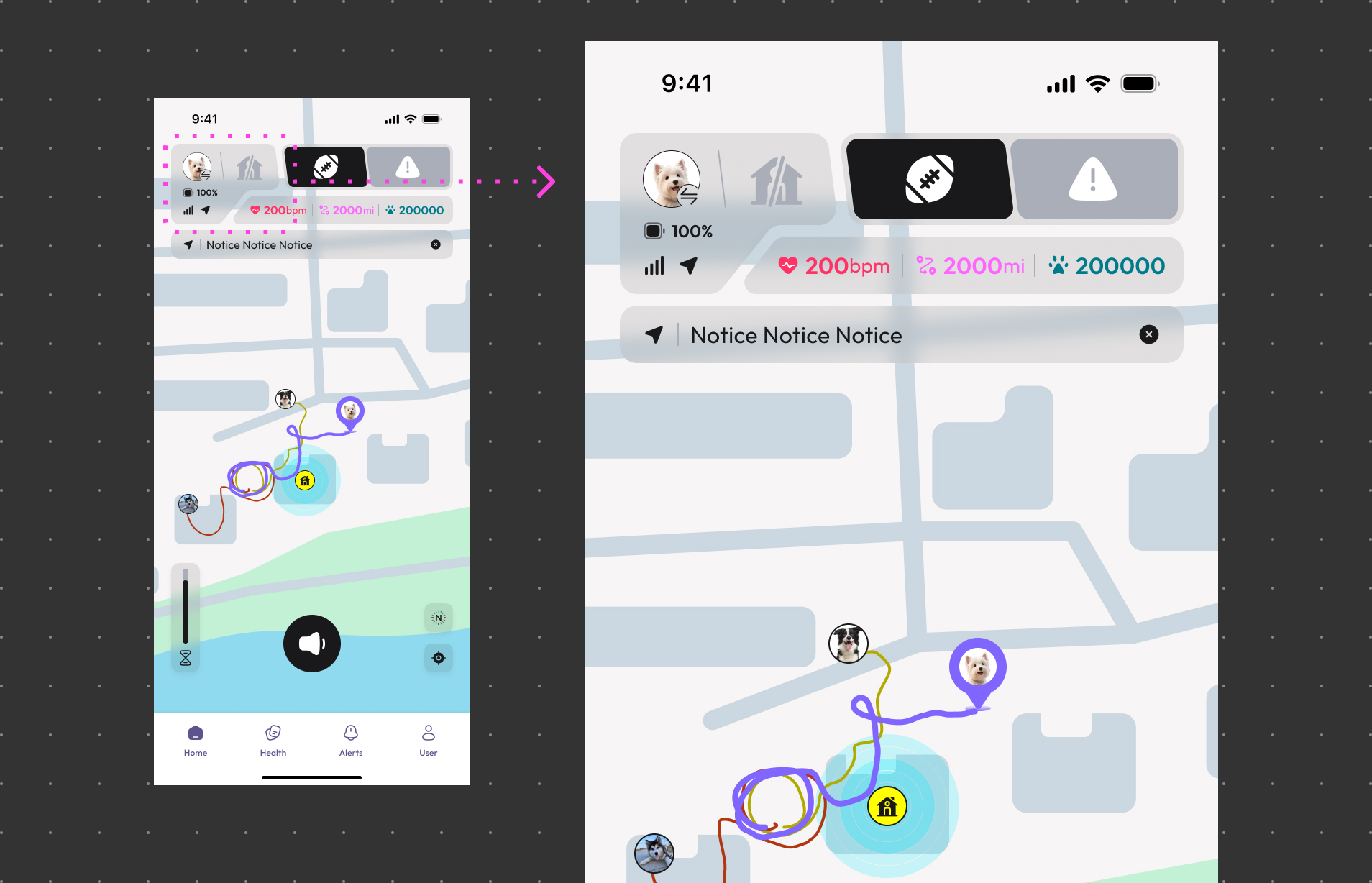
On the Device page, you can see the detailed battery percentage information.
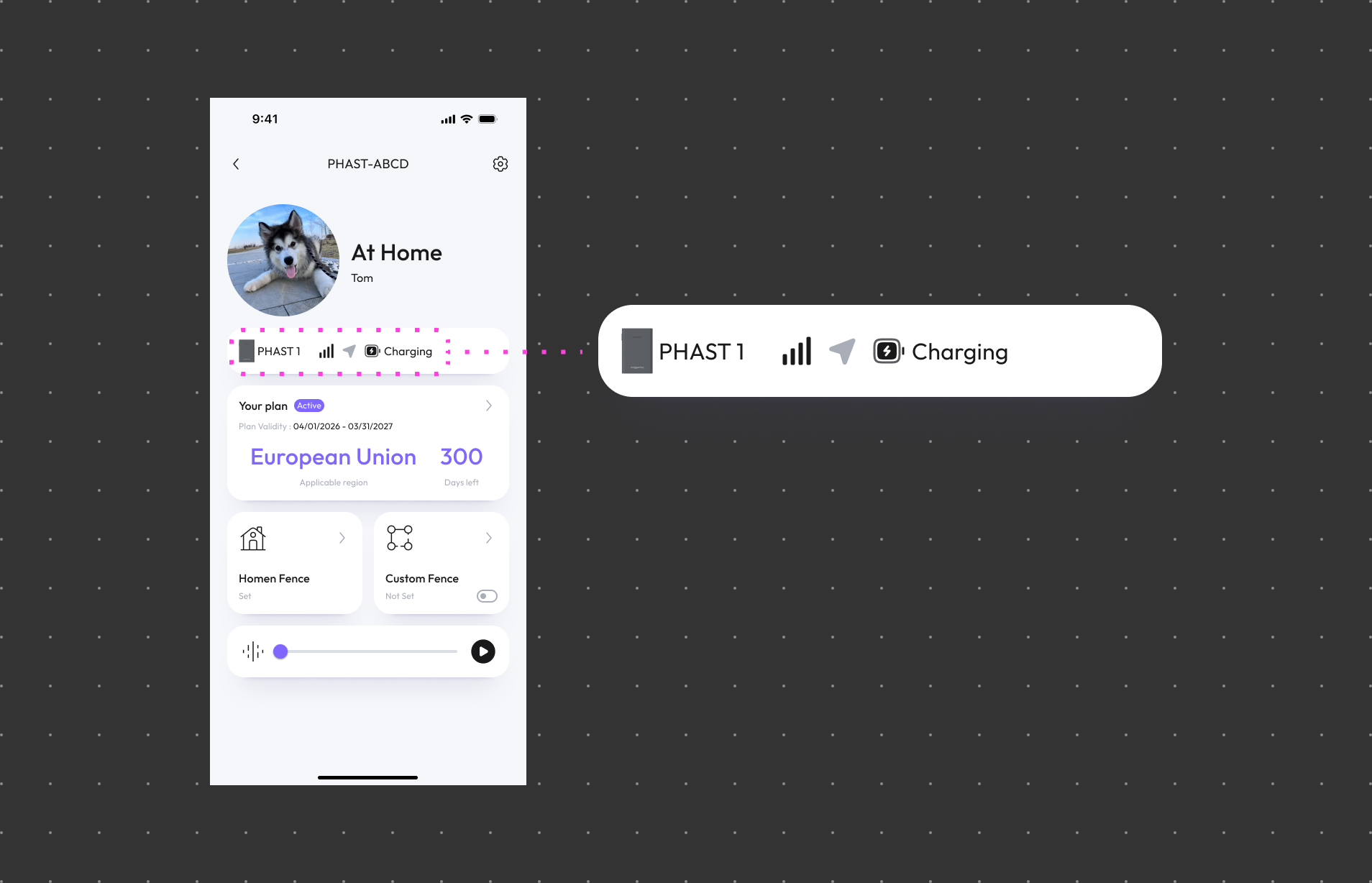
The battery percentage shown in the Battery Widget and the popup may not always be in real-time sync due to slight delays in updating. However, this should give you a good indication of the approximate battery level of your PHAST 1.