Log Out of Your Account
If you want to log out of your WAGGURACY account, you can do so by following these simple steps:
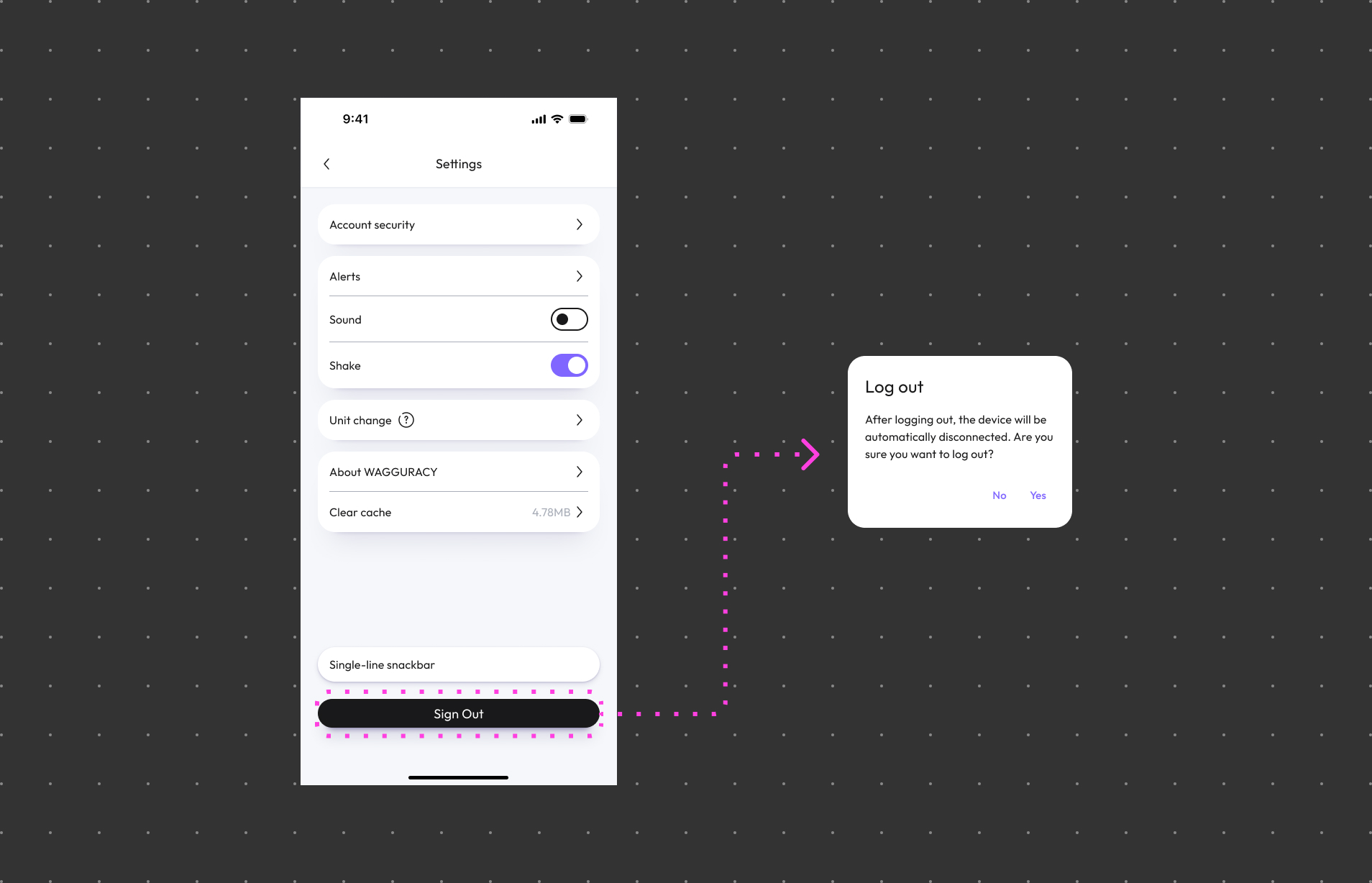
Open the WAGGURACY App:
Open the WAGGURACY App on your Android or iOS device.
Navigate to Settings:
Tap Setting > Sign out.
Please note that once you log out of your account, you won't receive notifications and information about your pets until you log in again. If you plan to use WAGGURACY on your new device, you'll need to log in again with your credentials.