Fences for Pet Safety
The WAGGURACY fence feature allows you to establish virtual boundaries for your pets, helping ensure they stay within safe areas while roaming. It enables you to monitor and manage your pet’s activity range, with real-time alerts and notifications to keep you informed of their location and movements.
To support different usage scenarios, WAGGURACY provides two dedicated fence types: Home Fence, designed for defining your home environment, and Custom Fence, which allows you to create flexible zones tailored to specific needs.
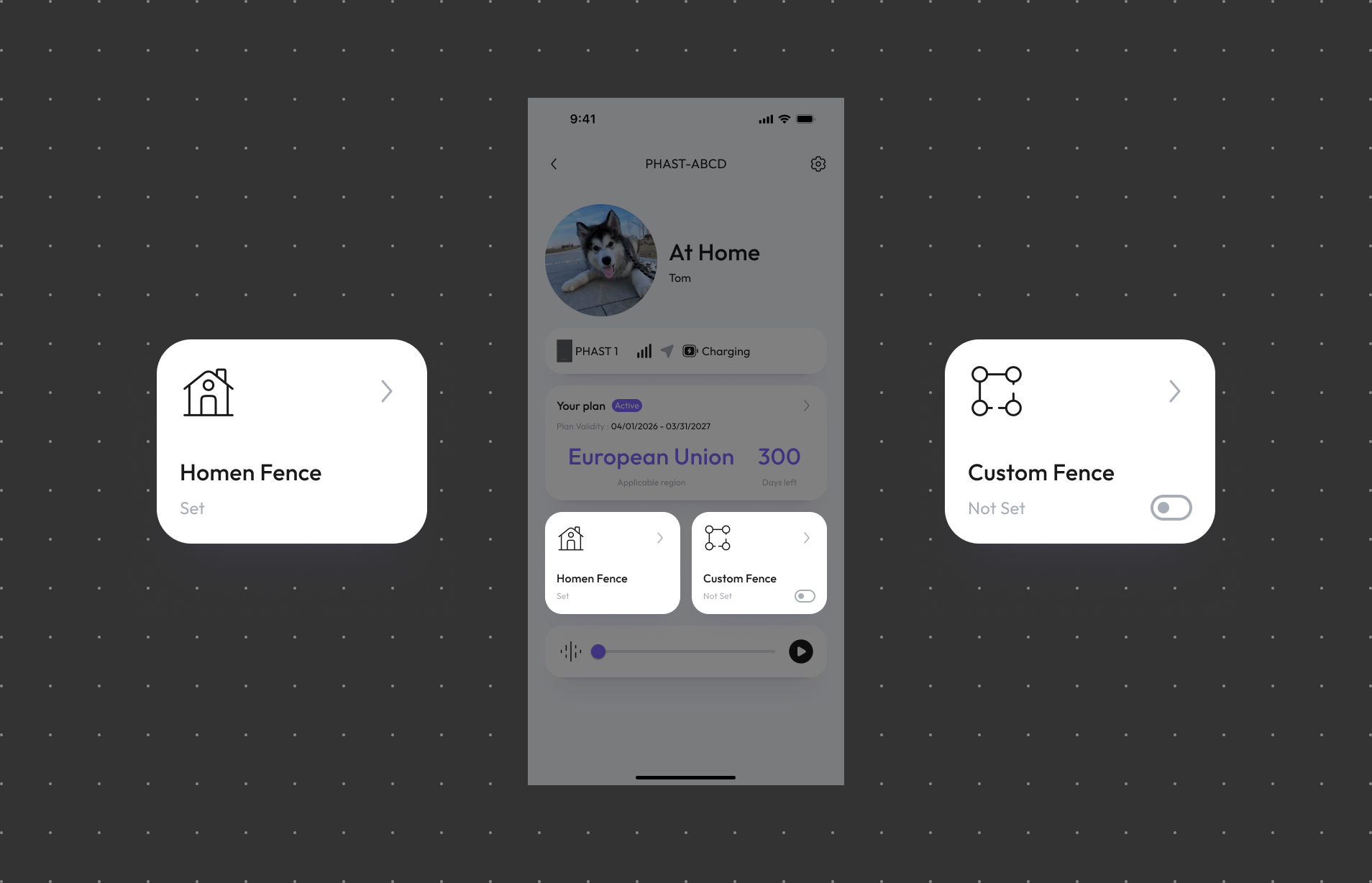
Set up a Home Fence
Would you like to be notified when your pet leaves or enters your home? If so, you can set up a Fence, which defines a safe zone for your pet’s activity.
Open the WAGGURACY App:
Launch the WAGGURACY app on your Android or iOS device.
Log In to Your Account:
Log in to your WAGGURACY account.
Access the Fence Section:
Tap User > Device Card .
Edit Your Fence:
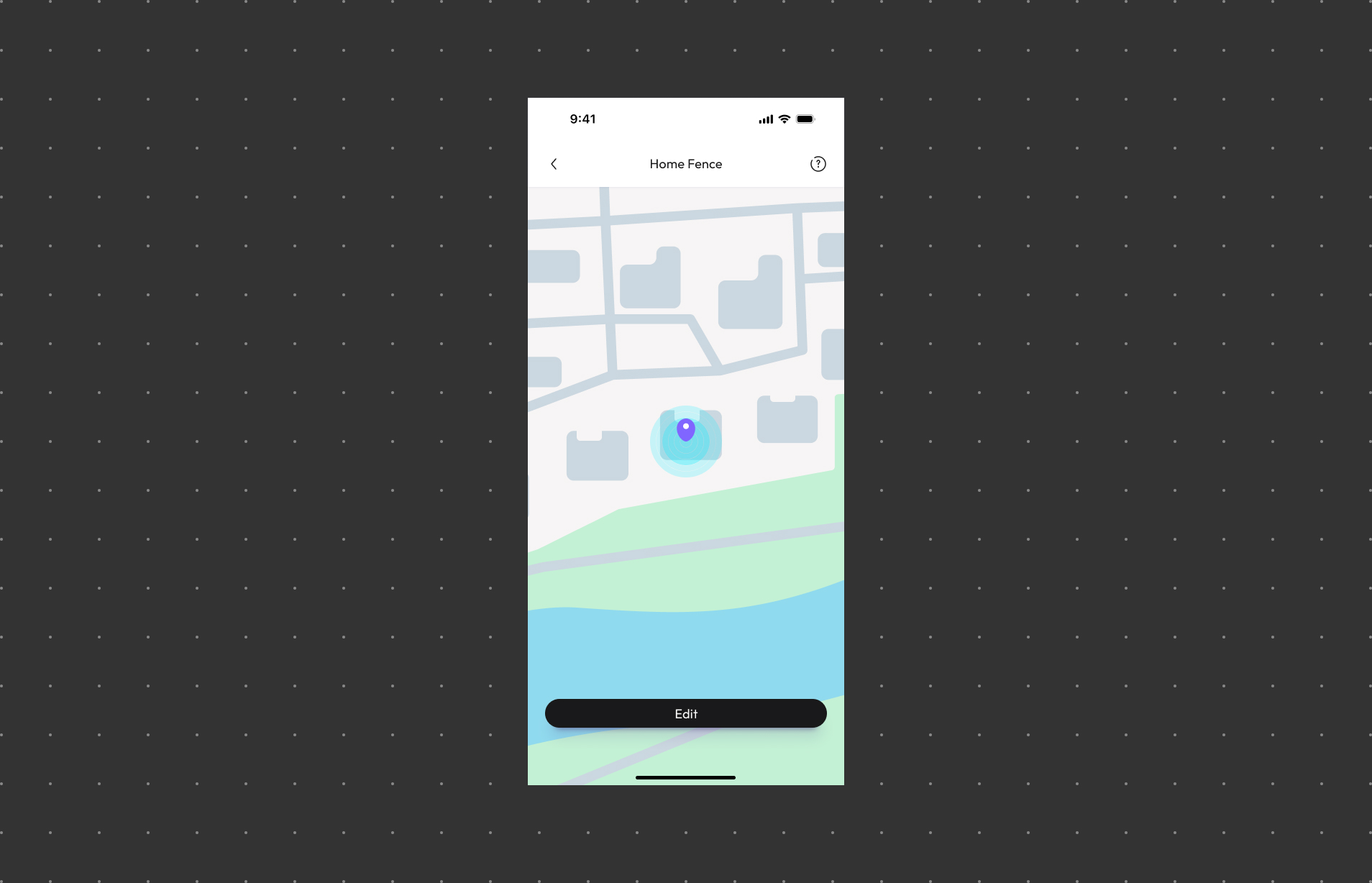
Tap Home Fence > Edit.
Select your home location.:
Choose your home location to set up your pet’s safe zone.
Confirm Fence Settings:
Once your home location is set, follow the in-app guidance to complete the environment scan and finish setting up the Home Fence.
Set up a Custom Fence
Would you like to be notified when your pet leaves or enters a specific area? If so, you can set up a Fence, which defines a safe zone for your pet’s activity.
Open the WAGGURACY App:
Launch the WAGGURACY app on your Android or iOS device.
Log In to Your Account:
Log in to your WAGGURACY account.
Access the Fence Section:
Tap User > Device Card.
Edit Your Fence:
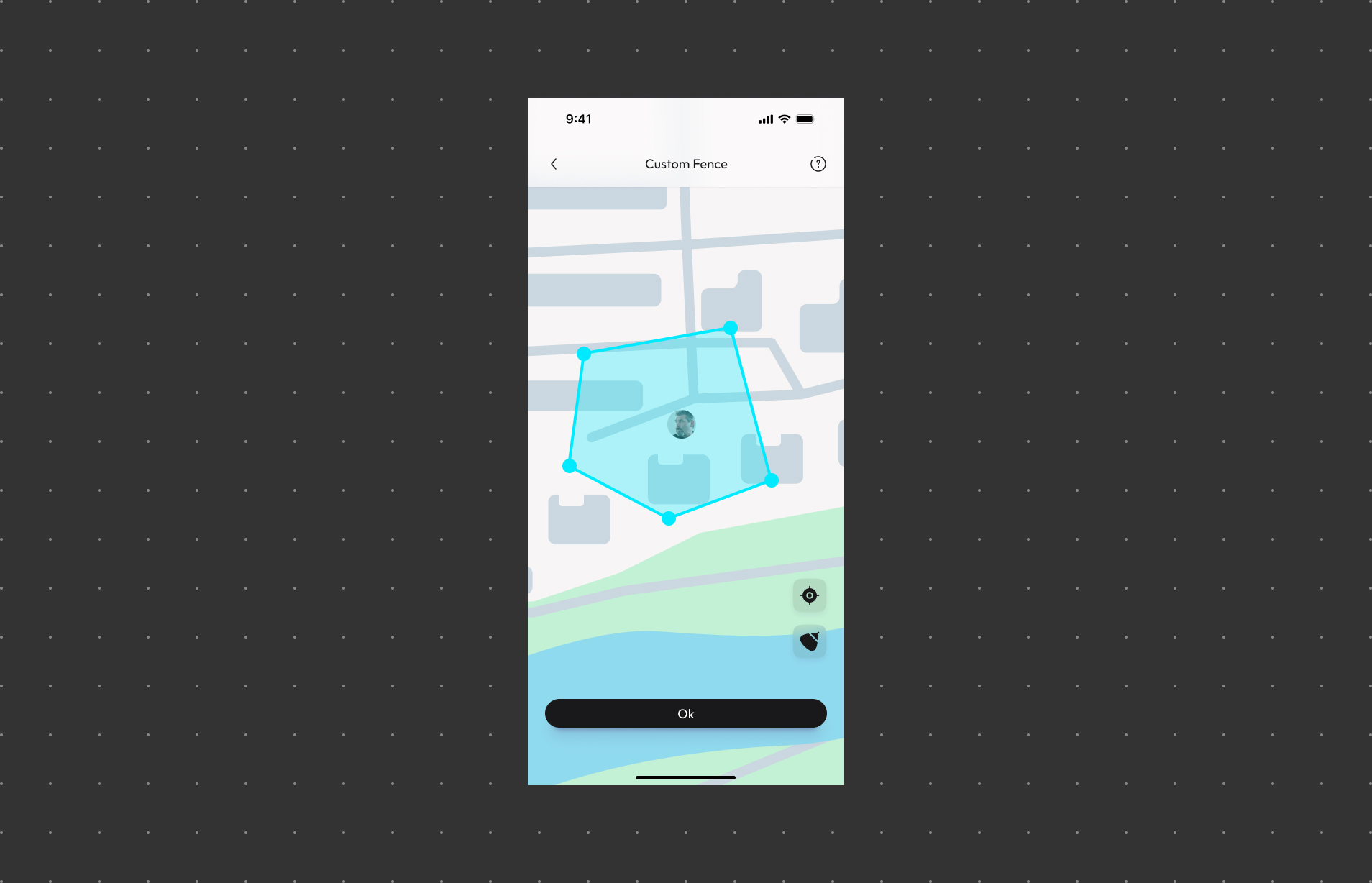
Tap Custom Fence > Edit.
Customize the Fence Shape:
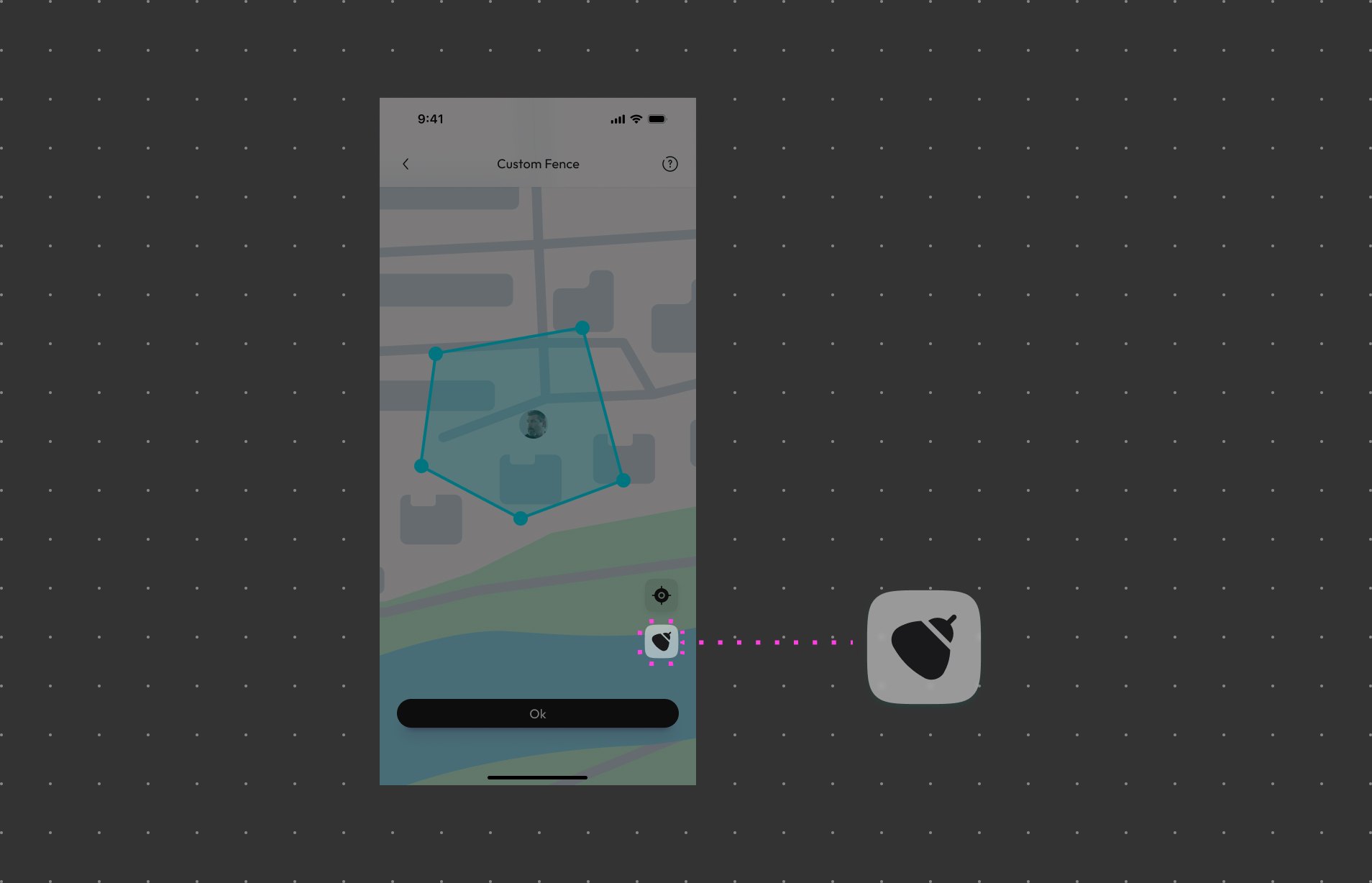
You can choose from different fence shapes, including circular, rectangular, or even create a custom shape that best suits your needs.
Confirm Fence Settings:
After defining the fence's shape and boundaries, tap the OK button to confirm your fence settings.
Fence Event Notifications:
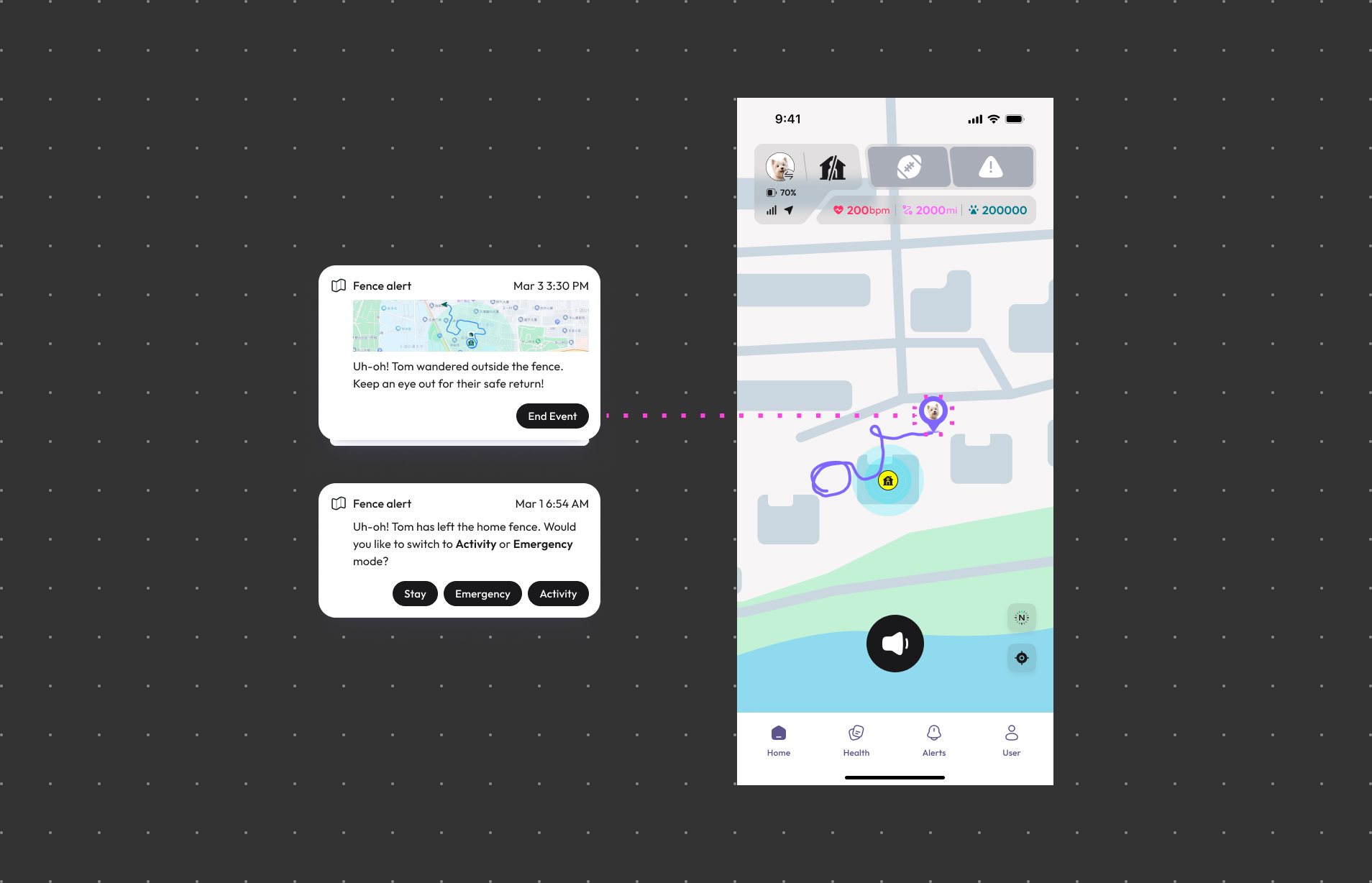
You will receive fence event notifications when your pet enters or exits the defined fence area.
By clicking on the alert notification, you can view detailed information about your pet’s location.
Editing and Deleting Fences:
If you need to modify your fence's boundaries or other parameters, simply follow these steps:
- Open the WAGGURACY app and log in to your account.
- Tap User > Device Card > Fence.
- Tap Edit.
- For editing, make the necessary adjustments to the fence's shape or boundaries, and then save the updated fence settings.
- For deletion, you can choose to remove the fence. Keep in mind that deleting a fence will also clear any associated data related to it.
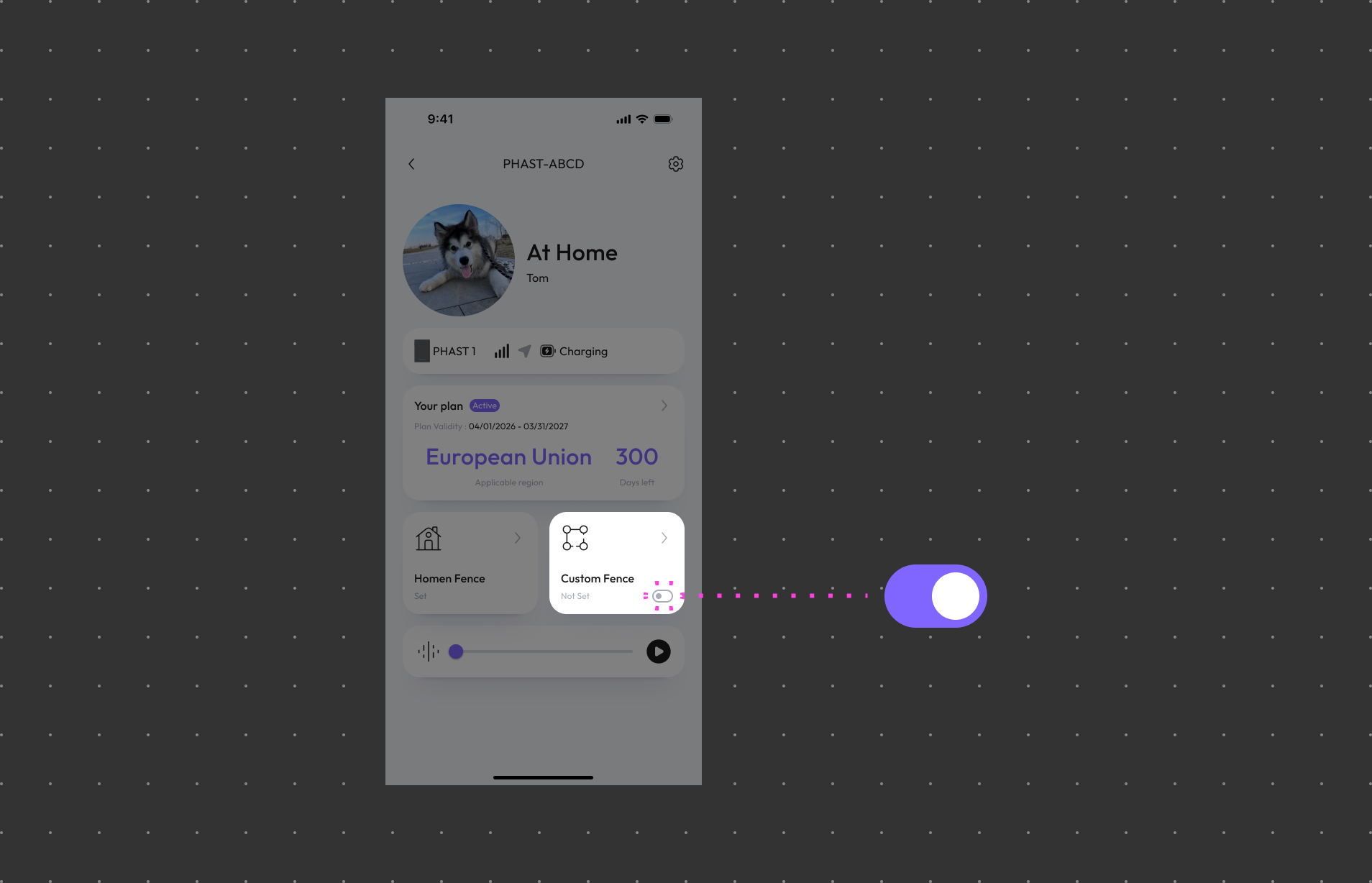
If you no longer require a specific fence, you can choose to turn off the fence.
WAGGURACY's fence feature provides an added layer of safety and control, allowing you to create secure zones for your pets. By following these simple steps, you can ensure your furry friends stay within safe areas while they explore, giving you peace of mind and enhancing their well-being.