Create an account
Welcome to WAGGURACY, your trusted companion in pet care management!

To embark on your pet tracking journey, you'll need to create a WAGGURACY account. This guide will walk you through the account creation process and provide solutions to common issues you might encounter.
Create an account with an email
- Download and open the WAGGURACY app.
- On the login page,enter your email address, ensuring that it's valid and not already registered with Petority.
- Create a secure password, which should have at least 8 characters and include both letters and numbers, avoiding any illegl characters.
- Click the Create account button.
- Check your inbox for a verification email and follow the instructions to complete the account verification process.
Once verified, you can use it to log in to the WAGGURACY app and start accessing its features.
Important Tips:
- Make sure to use accurate and truthful information while creating your account.
- keep your account and password secure for the safety of your account.
Using a Third-Party Account to login
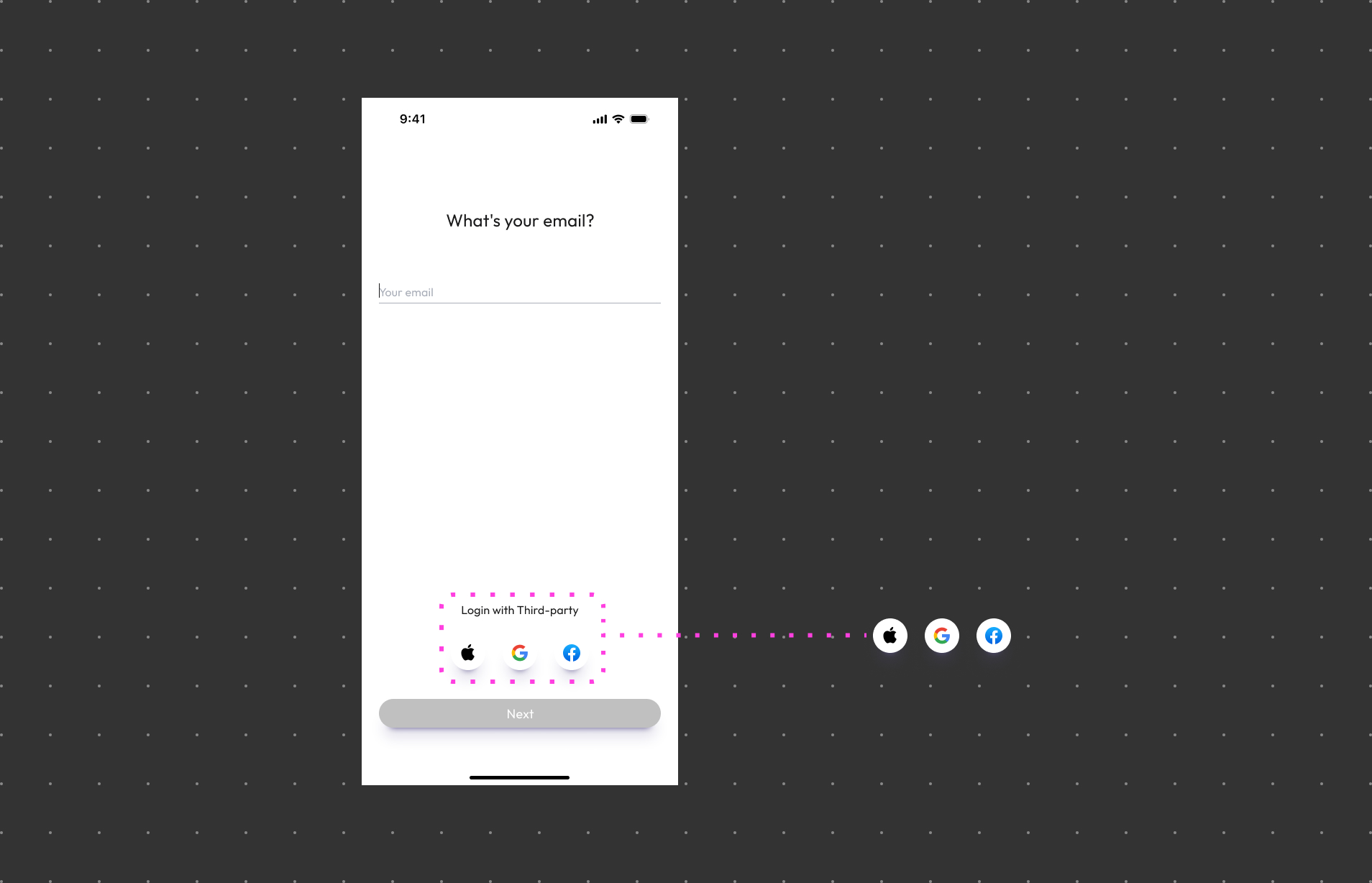
- Download and open the WAGGURACY app.
- On the login page, click Login with Third-party.
- Choose a supported third-party account (Google | Apple | Facebook).
- Follow the app's prompts, which may require you to authorize WAGGURACY to access your third-party account information.
- After authorization, return to the WAGGURACY app; your third-party account is linked.
- You may need to provide an email to link your WAGGURACY account.
Once these steps are completed, you can use your third-party account to log in to the WAGGURACY app and access its features.