Setting PHAST 1 Working Mode
PHAST 1 offers users the flexibility to customize the Tracking Intervals for pet location and health data updates.
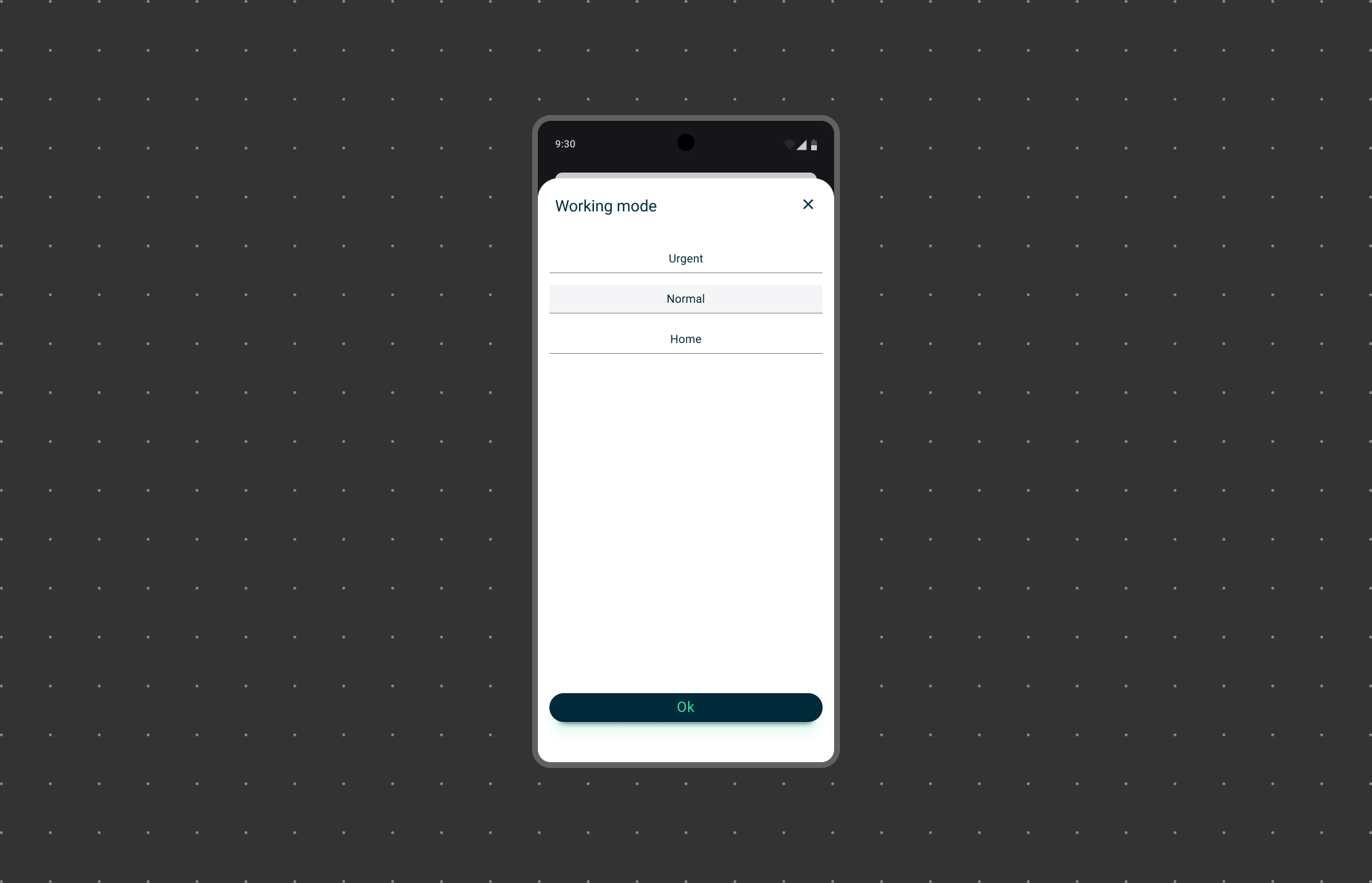
Available Working Mode Options:
PHAST 1 provides three Working Mode options for updating pet location and health data:
Urgent:
Real-time updates for immediate monitoring, ideal for outdoor activities. Faster battery consumption due to frequent updates.
Normal:
A balanced choice for daily activities, combining real-time monitoring and battery conservation.
Home:
Maximizes battery life, suitable for pets in a safe zone with less frequent updates.
Configuring Working Mode:
Follow these steps to configure the Working Mode within the WAGGURACY app:
Open the WAGGURACY App:
Ensure you have the WAGGURACY app installed on your smartphone, and log in to your account.
Access Settings:
Tap User > Setting > Working Mode.
Select Your Preferred Rate:
Choose from the available Working Mode options (Urgent , Normal , Home ) based on your needs and preferences.
Save Changes:
After selecting your desired Working Mode, save the changes to apply the new settings.
PHAST 1's customizable Working Mode feature empowers users to fine-tune their tracking experience. Whether you need real-time updates or prioritize device battery life, there's a Working Mode option to suit your requirements. By configuring these settings, you can ensure that you are getting the most out of PHAST 1 while keeping your pet safe and healthy.